API keys
A dashboard session is meant for a person at a browser — it cannot authenticate a pipeline that runs at an arbitrary time, or an agent acting on its own. Machine API keys fill that gap: a long-lived credential for the REST API and the CI/CD action.
Create a key
Create, list and revoke keys in the dashboard: app.anthrion.xyz → API Keys.
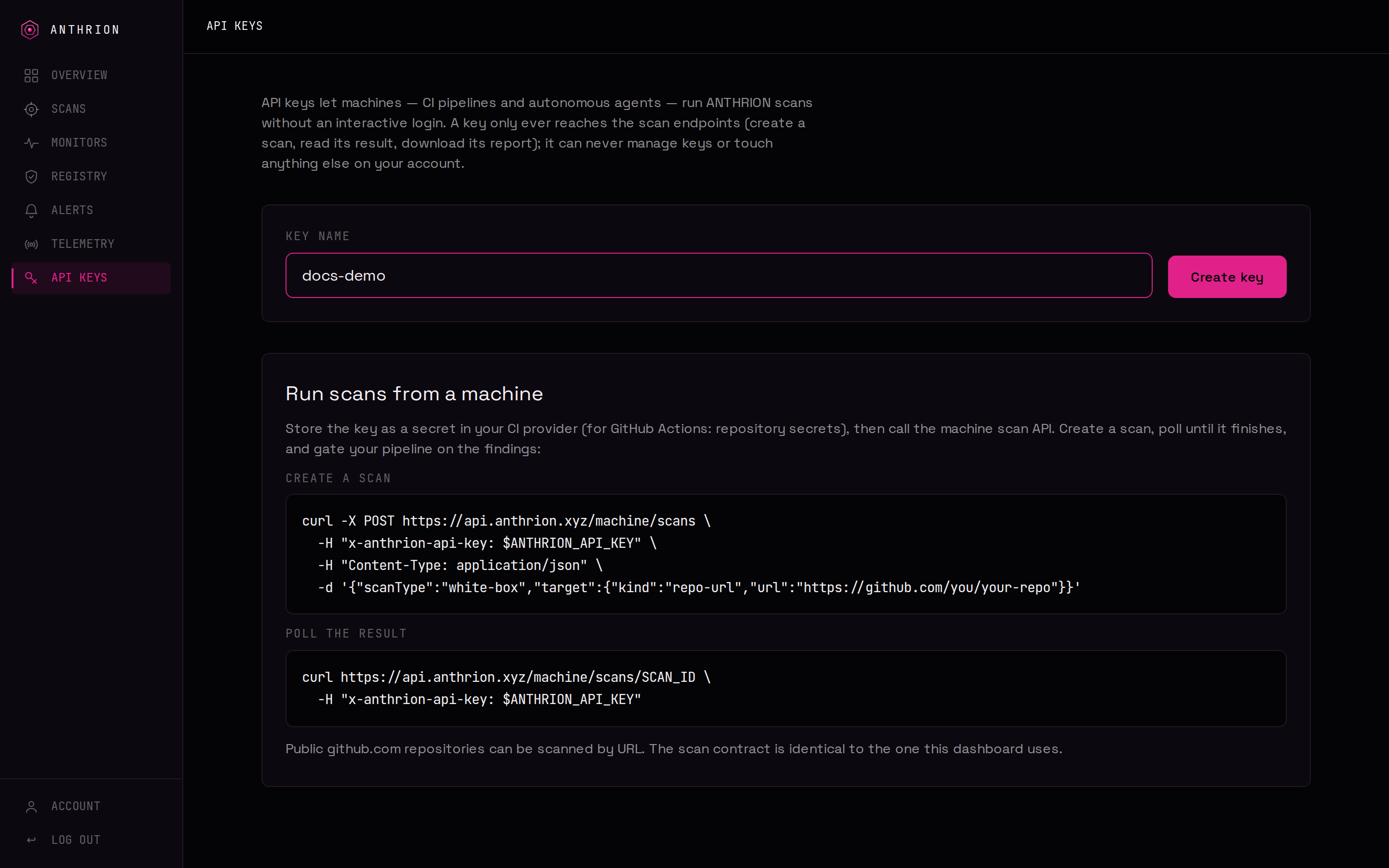
- Give the key a name (e.g.
ci-mainoragent-prod). - Copy the key — it begins with
antk_and is shown exactly once. - Store it as a secret (a CI secret, or an environment variable) — never commit it.
Important
The full key is shown only at creation. ANTHRION stores only a hash of it, so it can never be shown again. If you lose a key, revoke it and create a new one.
Use a key
Send the key in the x-anthrion-api-key header on every request to the machine scan API:
curl https://api.anthrion.xyz/machine/scans/SCAN_ID \
  -H "x-anthrion-api-key: $ANTHRION_API_KEY"
The key is scoped to the user who created it; every scan it creates belongs to that account.
List and revoke
The API Keys page lists each active key by its display prefix and last-used time. Revoking a key is immediate — the next request that uses it is rejected. Keys are managed only from the dashboard (an API key can never manage API keys).
Good practice
- Use a separate key per system (one for CI, one per agent) so you can revoke narrowly.
- Rotate keys periodically — create the new one, switch it in, then revoke the old.
- Keep keys out of logs and source. The key never appears in any ANTHRION output or report.