ANTHRION documentation
ANTHRION is an all-in-one security scanner for the agentic internet. It red-teams AI agents and scans the surfaces around them — web apps, APIs, Web3 dApps, code and endpoint trust — through a single engine that returns one normalized report format for every scan.
The differentiator is the AI / LLM attack scan: an adaptive red-team that attacks an agent the way a real adversary would, not a static checklist. Everything else — web, API, Web3, code, endpoints — is the surface around your agents, scanned by the same engine.
What you can scan
ANTHRION covers six attack surfaces:
- AI agents & LLMs — prompt injection, jailbreaks, system-prompt leakage, excessive agency
- Web apps — dynamic testing of a live site in a real browser
- APIs — broken auth, injection and data exposure across endpoints
- Web3 dApps — wallet-injection and frontend checks plus on-chain context
- Code & repos — static taint analysis, leaked secrets, code similarity, GitHub trust
- Endpoints — verify and monitor the trust of an x402 endpoint
See Scan types for what each one inspects and how to run it.
How a scan works
- Sign in with an email or a wallet — it is lightweight.
- Pick a scan and a target — a live endpoint, a public repo, or a pasted system prompt.
- Watch it run, live — findings stream in as the engine works (Real-time results).
- Read the report — every finding is severity-ranked with evidence and a recommendation (Core concepts).
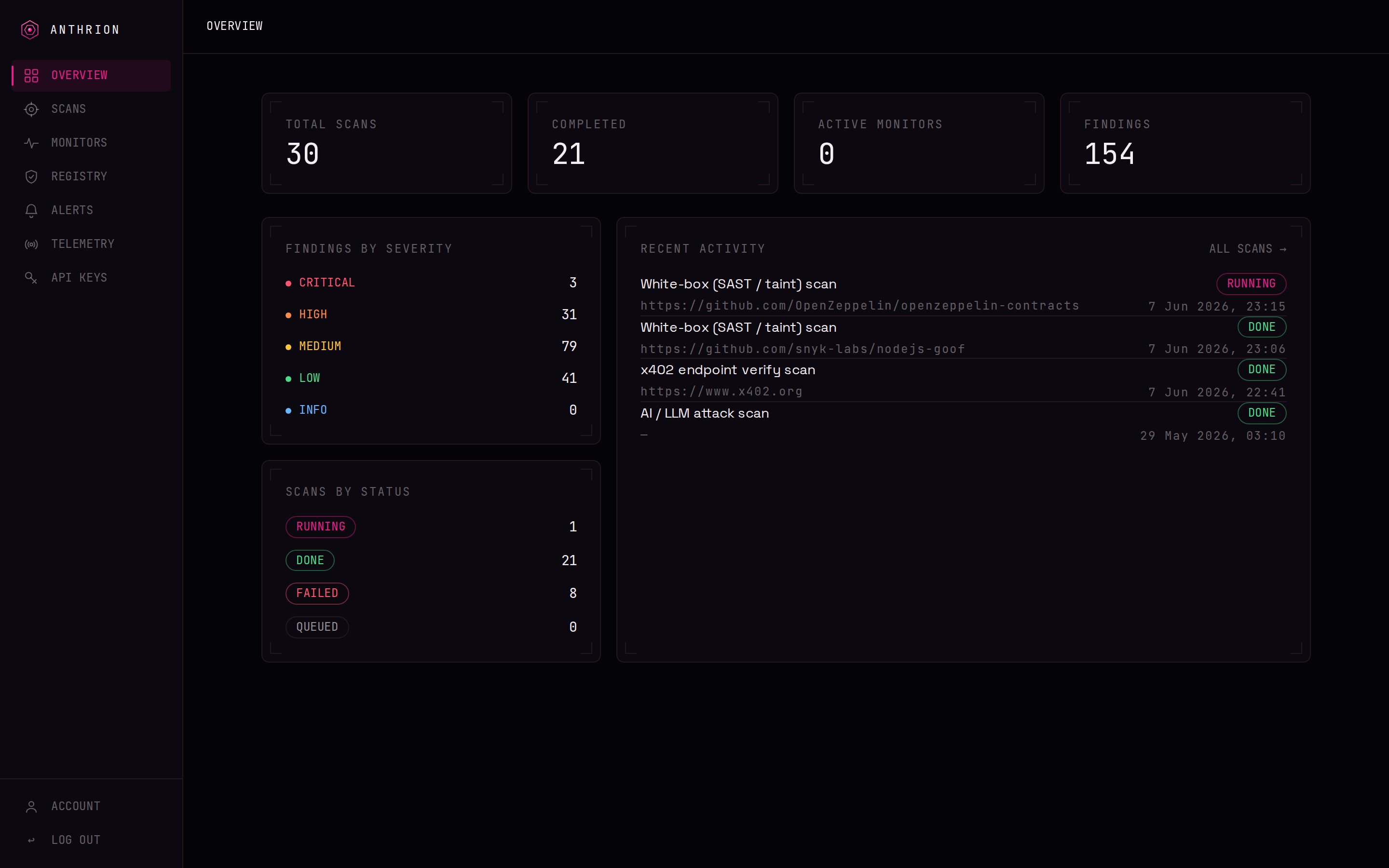
For the full click-by-click version with screenshots, see Your first scan.
Honesty
A scan is an indicator of risk, not a guarantee of security. A clean result means ANTHRION's checks did not surface a finding — not that the target is provably safe.
Three ways to use ANTHRION
- Dashboard — run and review scans in the web app at app.anthrion.xyz.
- Programmatically — call the REST API with a machine API key, or let an autonomous agent drive it through the MCP server.
- In CI — gate a pull request on a scan with the CI/CD action.
Pricing, in short
You pay per scan in USDC — and during launch, scans are free. There is one free scan per wallet to start, no subscription, and no custody of your funds. Full pricing and on-chain payment details are documented under Pricing as they are finalized.